
Stop drowning in emails.
TimeMaker turns any big goal into daily actionable steps.
- Too many emails.
- Too many uncompleted tasks.
- Too many delayed projects.
- Too much to carry.
Stay organized.
Know exactly what is due, and when.
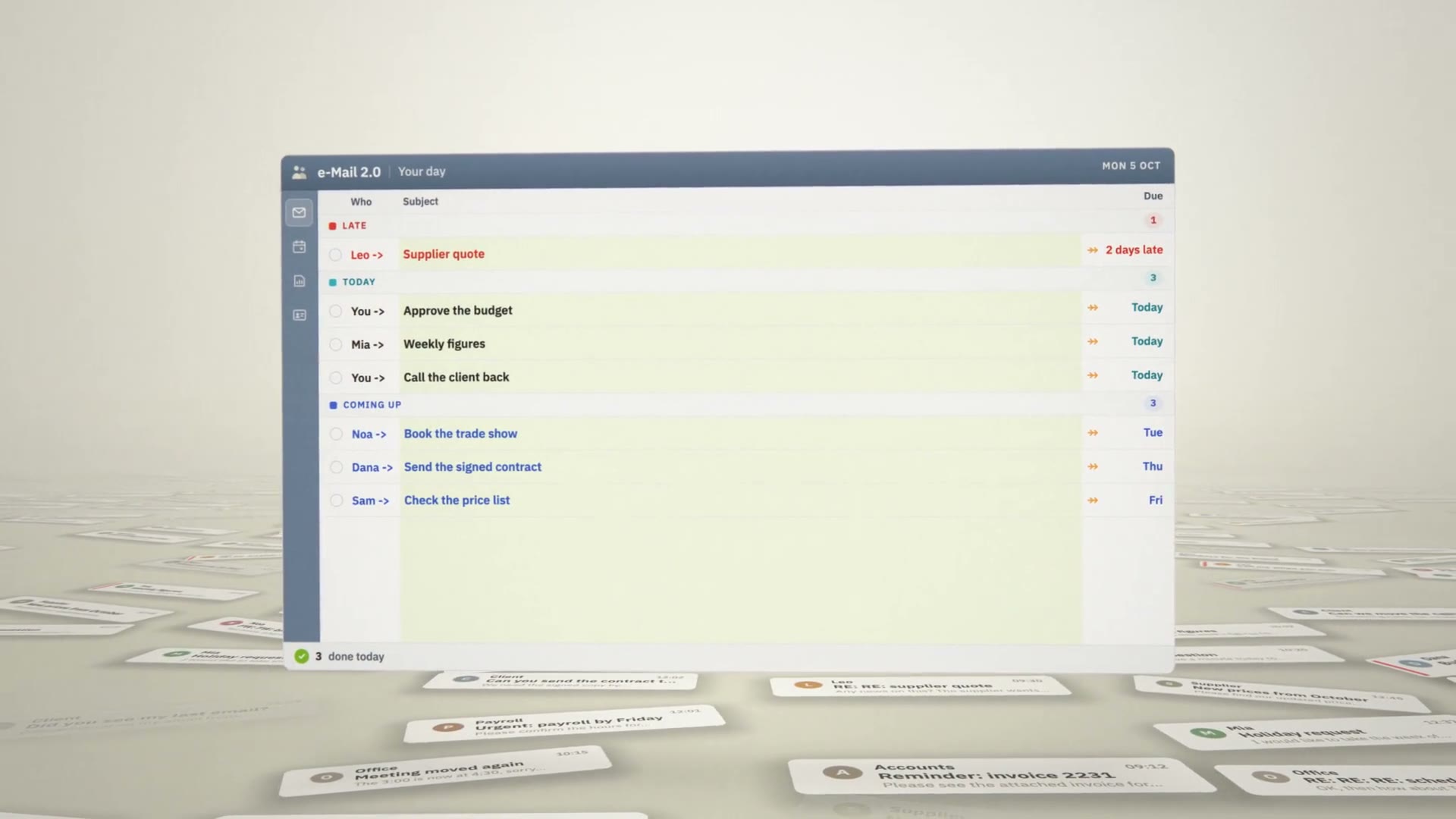
- Every email becomes a task with a name and a due date.
- Have a clear picture of today, next week and next month.
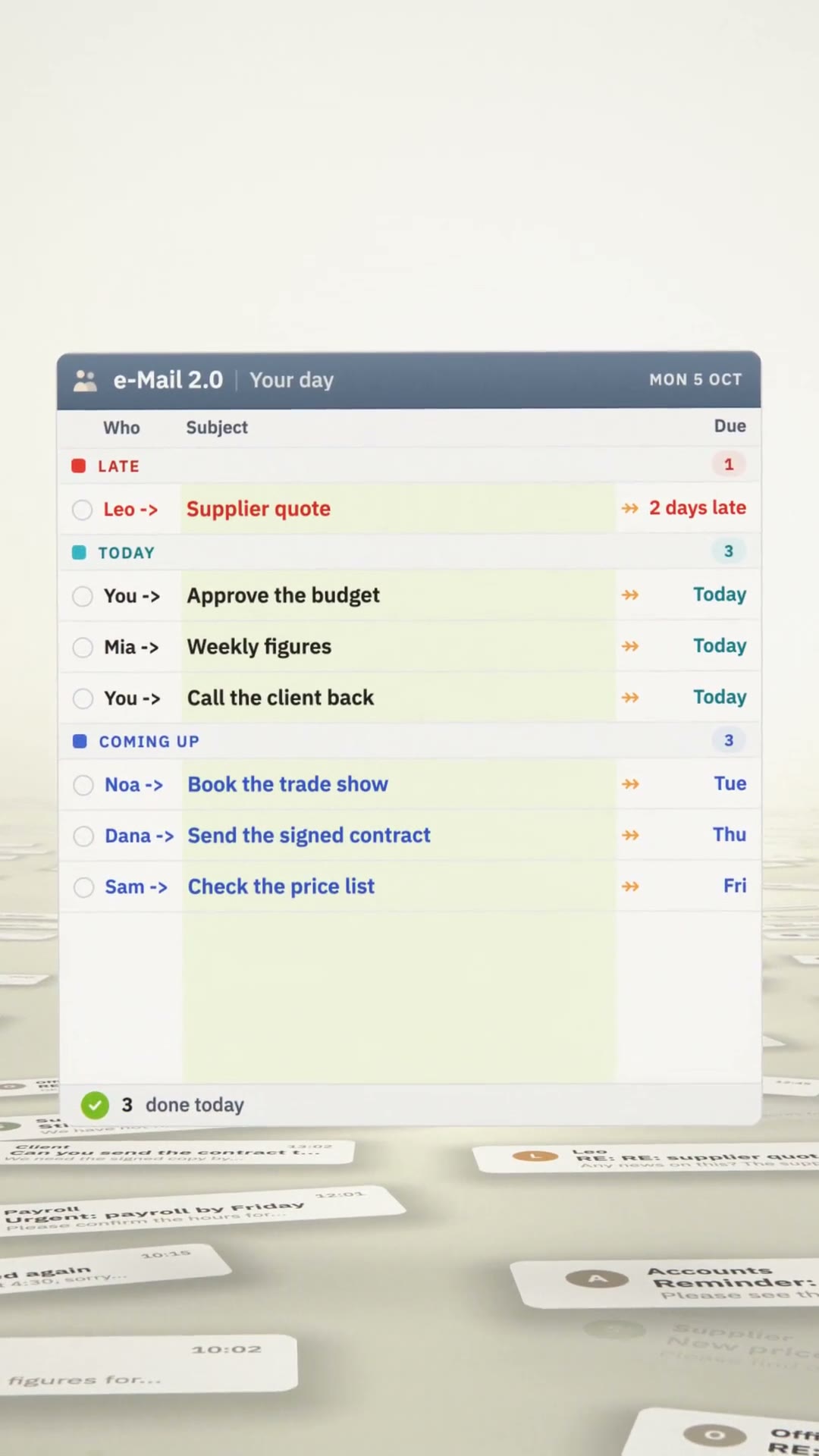
Every due date has a color. Red is late. Turquoise is due today. Blue is coming up next.
What changes for you.
- Nothing slips.A late task stays red until it is done.
- See your whole team at a glance.Everyone's tasks, side by side, on one screen.
- Late work gets followed up.One click sends a friendly note to whoever is late.
- Turn big goals into daily steps.One big goal becomes small steps, each with a due date.
See it work in one minute.
In their own words.
 Rick PenderyConsultant · Pendery Consulting, Clearwater
“I literally am getting 5 times more work done in the day. This does wonderful things to my attention, freeing it up so I can focus more attention on my tasks.”
 Yaron ShapiroOwner · Flash Components
“Flash has grown 30% over the last two years consecutive. I can genuinely announce that TimeMaker has largely contributed to this.”
 Rostislav BrodeckyOwner · Aluwin s.r.o., Czech Republic
“I come to my office very early… seeing his 9 (!) uncompleted Tasks… Believe it or not, within an hour, I got 4 requests, and they were pretty big.”
 AmitSeven Figure Academy · Guaranteed Prosperity
“It frees up my mind so that I'm not thinking about 17 different things at the same time.”
 Belinda WiesleMarketing Admin, Sales · Apollo Safety, USA
“I am having a great time using all of the Tools available to me. Due to TimeMaker I also see great things ahead for our company!!”
Start in three steps.
- 1Download. TimeMaker is free, for Windows.
- 2Install. Open TimeMakerInstall.exe and follow the steps.
- 3Get going. A TimeMaker representative contacts you and sets you up.
TimeMakerInstall.exe · 16.7 MB · Windows
TimeMaker by Meir Ezra, since 2004.